

Connectivity / Free guides / Managed Backup
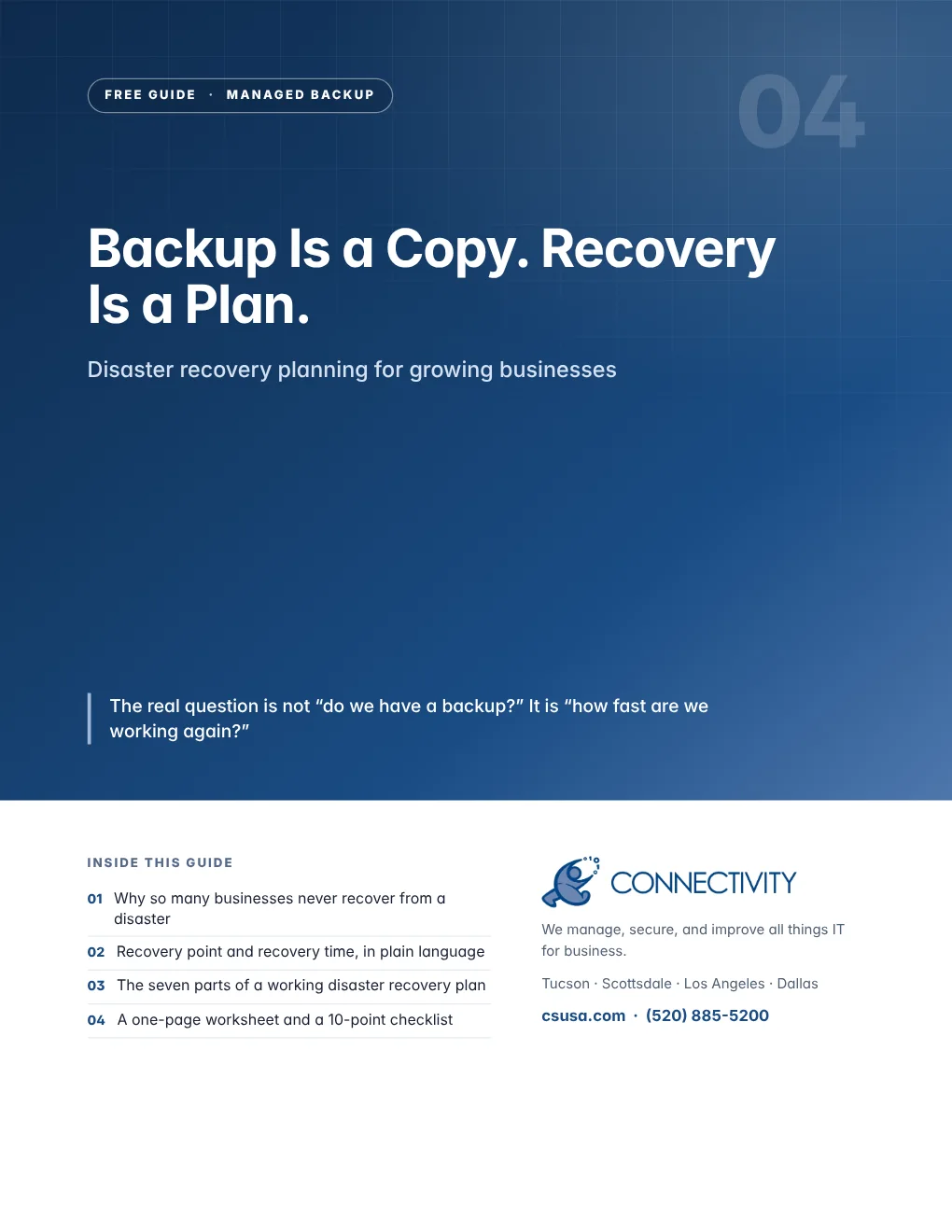
Backup Is a Copy. Recovery Is a Plan.
When a server fails, ransomware hits, or the office floods, a backup alone will not get you working again. This guide walks through the parts of a disaster recovery plan and gives you a one-page worksheet to start yours.
- Why so many businesses never recover from a disaster
- Recovery point and recovery time, in plain language
- The seven parts of a working disaster recovery plan
- A one-page worksheet and a 10-point checklist
Free PDF · 6 pages
Get the guide
We will email it to you right away.
By the numbers
The real question is not “do we have a backup?” It is “how fast are we working again?”
of small businesses never reopen after a disaster. Another 25% of those that do reopen fail within a year.
of breaches now involve ransomware, up from 44% the year before.
organizations said their most recent major outage cost more than $1 million.
What is inside
Six pages you can act on this week
Practical guidance, industry research from named sources, a worksheet or framework you can use with your team, and a checklist to grade where you stand today.
- 01Why it mattersThe gap between a backup and a recovery
- 02What good looks likeThe seven parts of a DR plan
- 03Put it to workYour one-page recovery worksheet
- 04Ask your IT providerThree questions worth asking this week
- 05The Connectivity differenceHow Connectivity gets you working again
- 06Self-assessmentYour 10-point checklist
Why Connectivity
How Connectivity gets you working again
Connectivity Total Backup is built for recovery, not just storage. We can restore a single file or a complete system to nearly any point in time, with backups as often as every 15 minutes. Bare-metal restore means we can recover to different hardware without waiting for a replacement server, across virtual and physical servers on one platform. Our Network Operations Center monitors every backup, and our team helps you set recovery targets, document the plan and review it at your quarterly business review.
Who you will actually be talking to
One team across Tucson, Scottsdale, Los Angeles and Dallas, and one number to call. After hours, the same number reaches the same team.
“They have provided us with expert network and desktop support, custom software development, and database and domain hosting.”
More free guides
Keep going
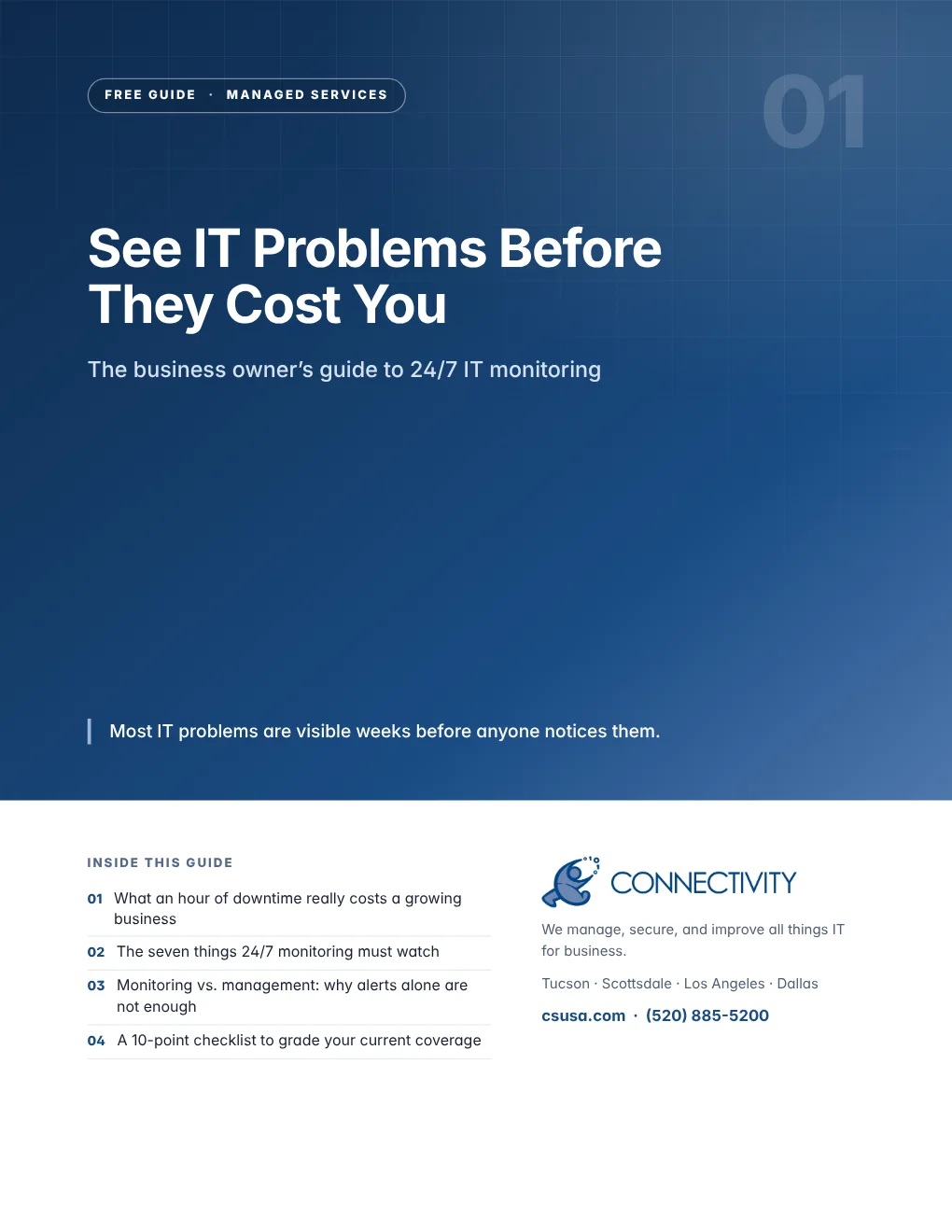
See IT Problems Before They Cost You
The business owner’s guide to 24/7 IT monitoring
Get the free guide→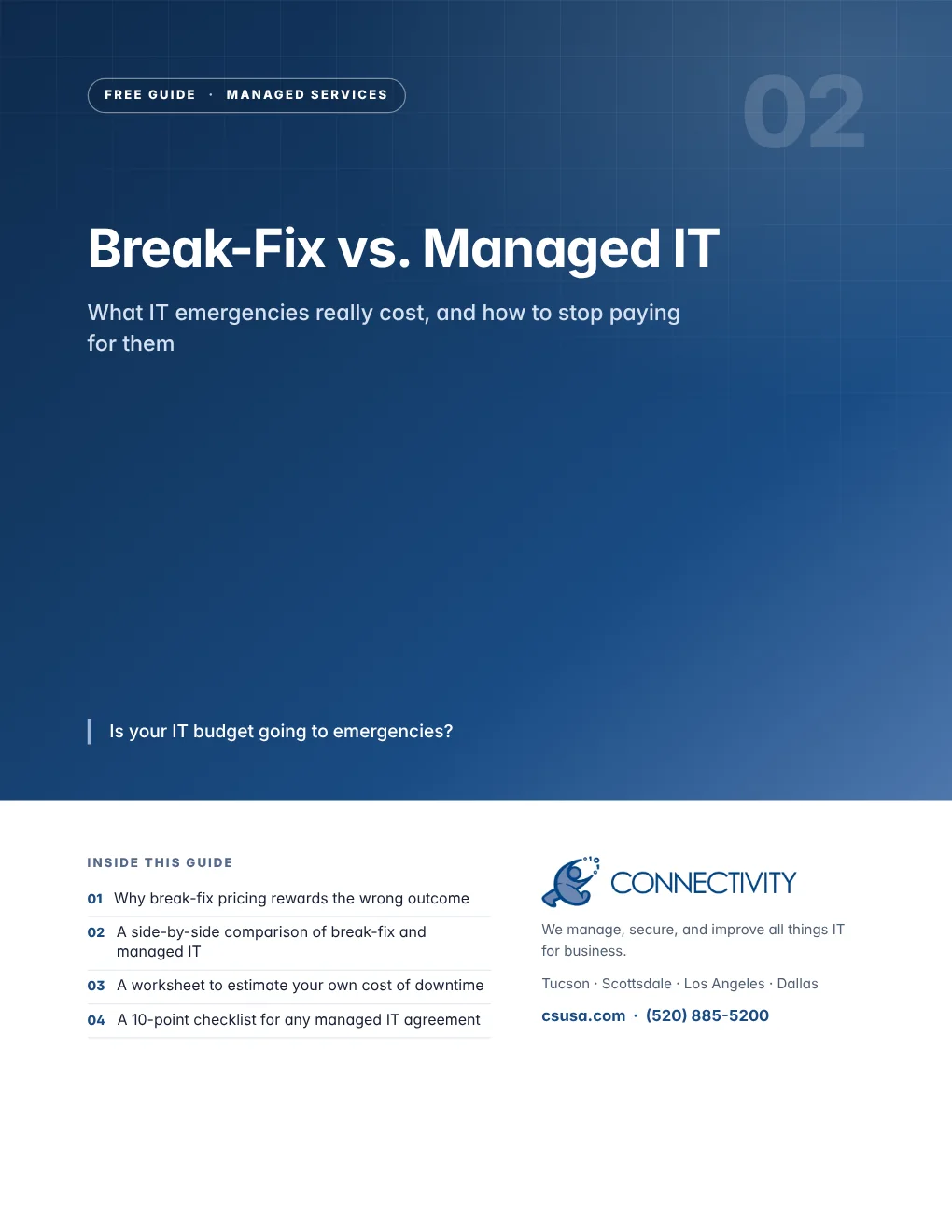
Break-Fix vs. Managed IT
What IT emergencies really cost, and how to stop paying for them
Get the free guide→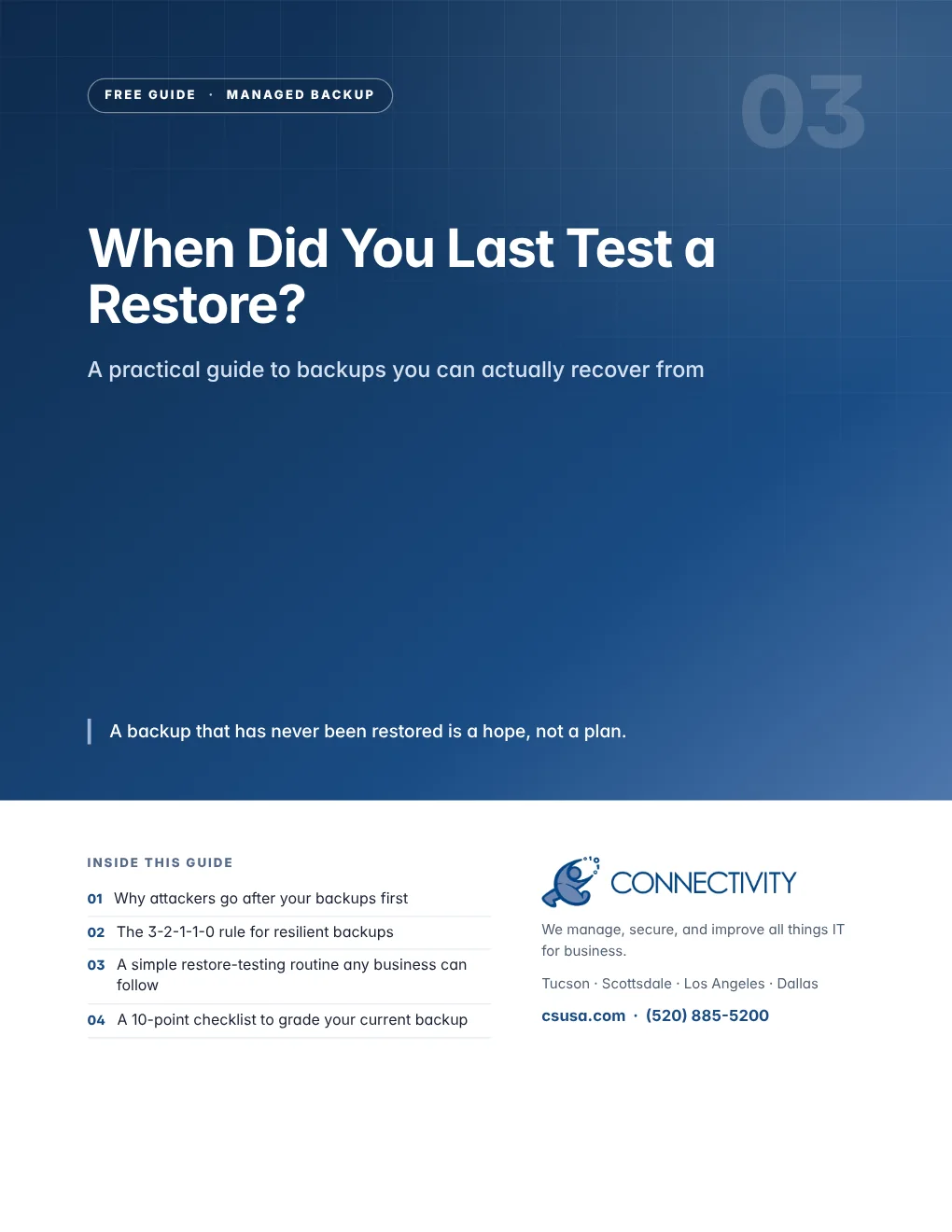
When Did You Last Test a Restore?
A practical guide to backups you can actually recover from
Get the free guide→
Outdated Software Is an Open Door
A patch management guide for small and mid-sized businesses
Get the free guide→
A Stolen Password Should Not Become a Breach
The business guide to MFA, passwords and people
Get the free guide→You need a team member with experience in all things IT
Fifteen minutes on the phone is usually enough to tell you whether we are the right fit — and what we would look at first.