

Connectivity / Free guides / Managed Services
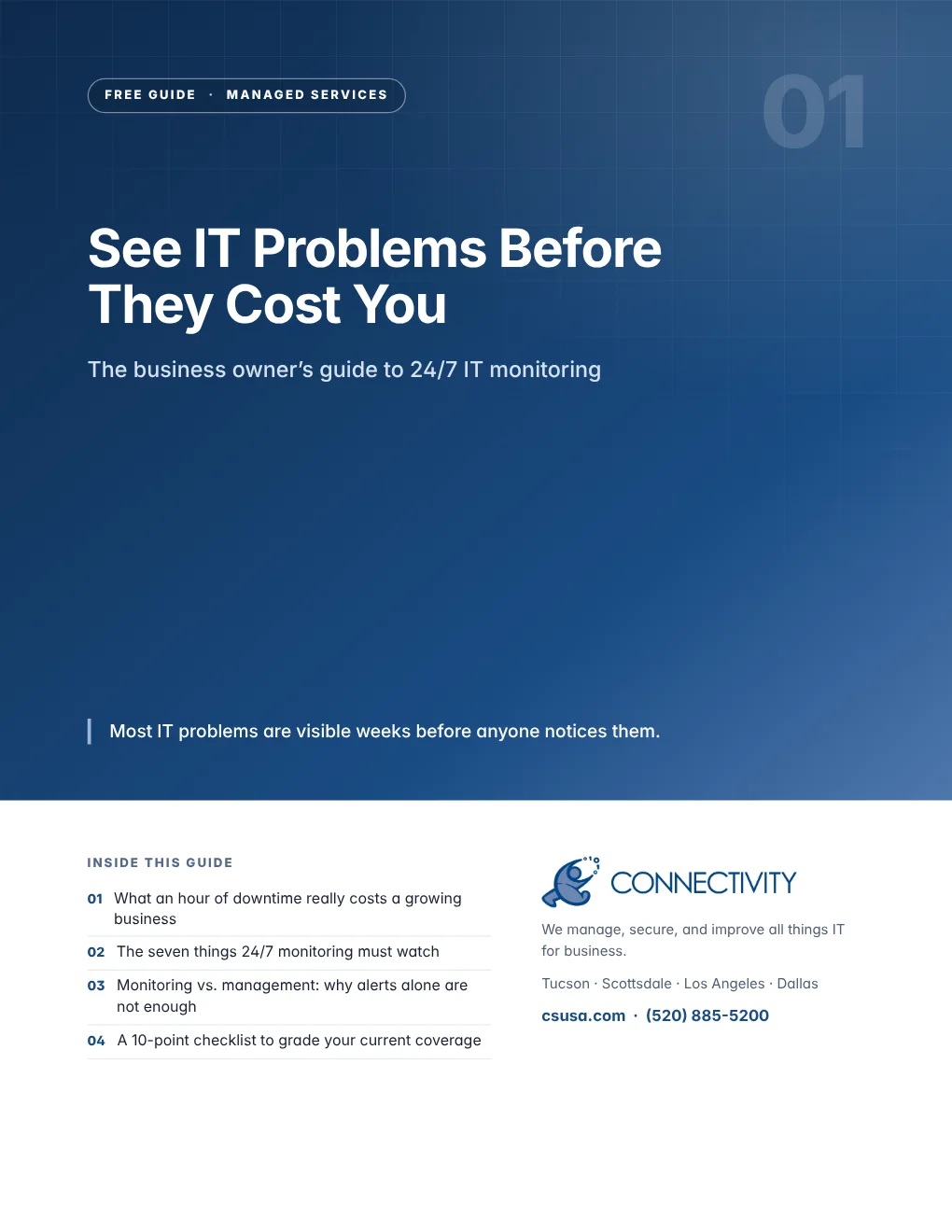
See IT Problems Before They Cost You
A failing drive, a server running hot, a backup that quietly stopped. This guide shows what round-the-clock monitoring should catch, what happens when nobody is watching, and how to tell whether your current setup is working.
- What an hour of downtime really costs a growing business
- The seven things 24/7 monitoring must watch
- Monitoring vs. management: why alerts alone are not enough
- A 10-point checklist to grade your current coverage
Free PDF · 6 pages
Get the guide
We will email it to you right away.
By the numbers
Most IT problems are visible weeks before anyone notices them.
of organizations said their most recent major outage cost more than $100,000. One in five put the cost above $1 million.
is the average time to identify and contain a data breach.
per minute is what downtime costs a business that loses $10,000 an hour.
What is inside
Six pages you can act on this week
Practical guidance, industry research from named sources, a worksheet or framework you can use with your team, and a checklist to grade where you stand today.
- 01Why it mattersProblems rarely arrive without warning
- 02What good looks likeWhat 24/7 monitoring should watch
- 03Put it to workMonitoring vs. management
- 04Ask your IT providerThree questions worth asking this week
- 05The Connectivity differenceHow Connectivity watches your systems
- 06Self-assessmentYour 10-point checklist
Why Connectivity
How Connectivity watches your systems
Connectivity’s Network Operations Center monitors client systems 24 hours a day. Self-healing scripts resolve routine issues automatically, and scheduled preventative maintenance runs on a calendar you approve, not at the worst possible moment. Every month you get reporting on what we found and fixed, and every quarter we sit down for a business review with CIO-level reporting.
Who you will actually be talking to
One team across Tucson, Scottsdale, Los Angeles and Dallas, and one number to call. After hours, the same number reaches the same team.
“David is personable, knowledgeable and respectful of the clients’ financial resources.”
More free guides
Keep going
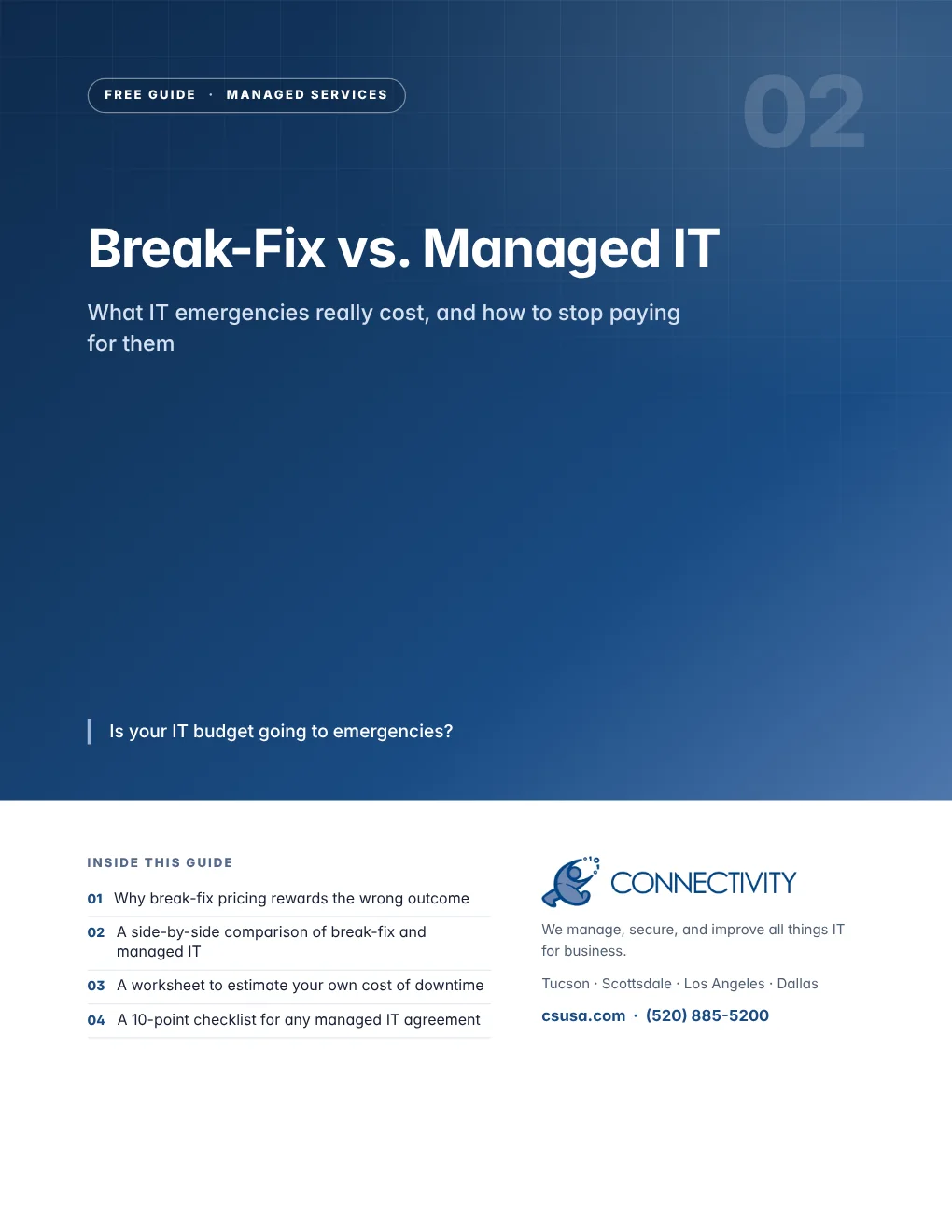
Break-Fix vs. Managed IT
What IT emergencies really cost, and how to stop paying for them
Get the free guide→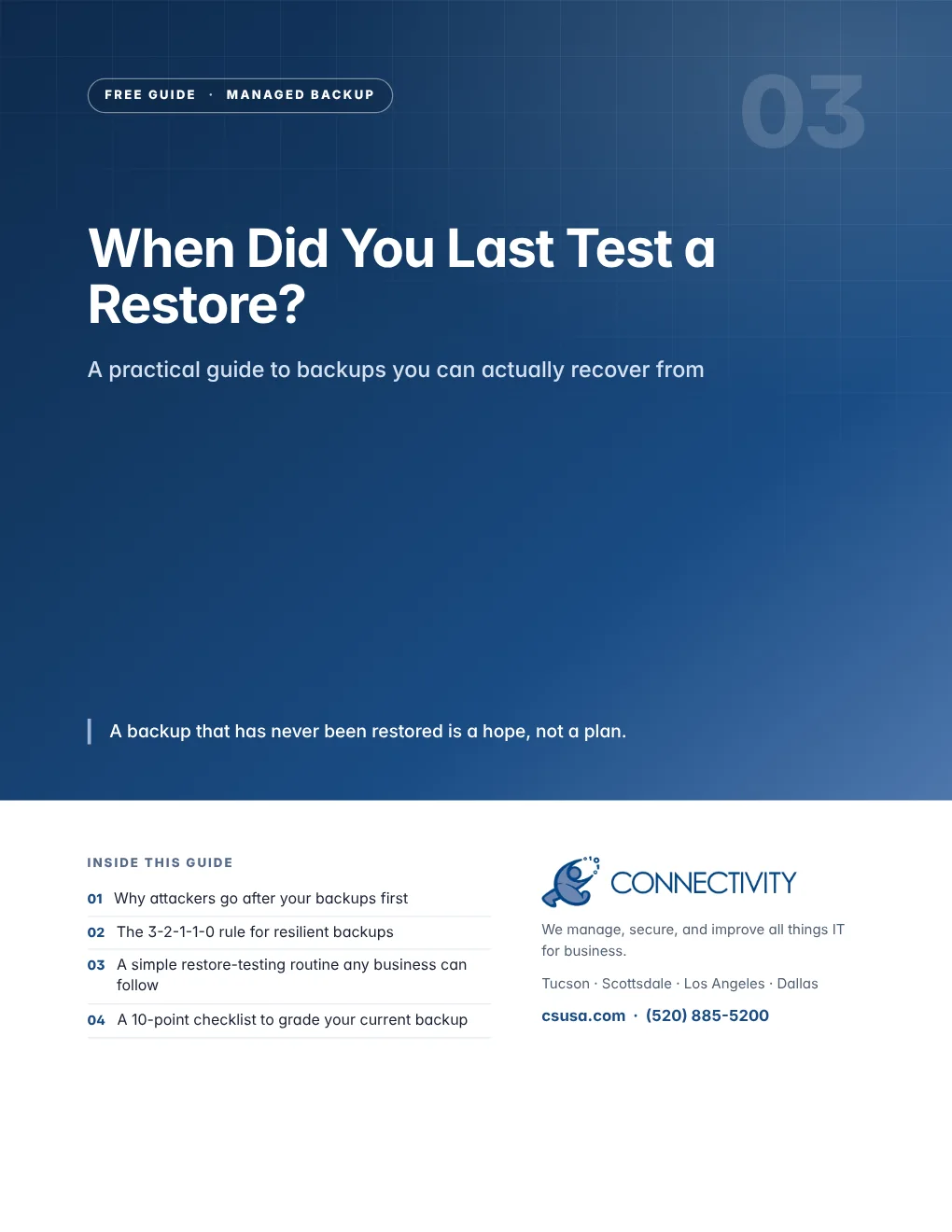
When Did You Last Test a Restore?
A practical guide to backups you can actually recover from
Get the free guide→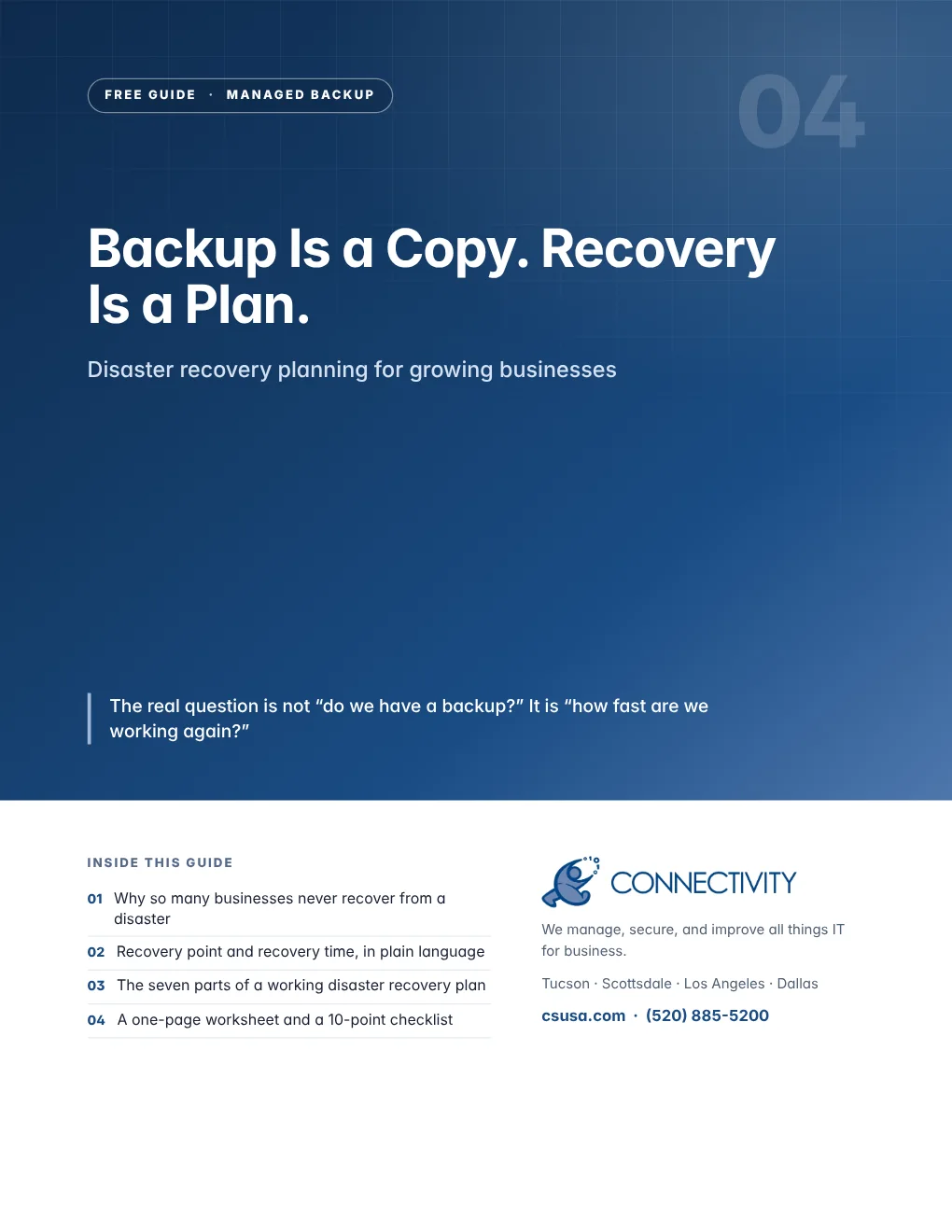
Backup Is a Copy. Recovery Is a Plan.
Disaster recovery planning for growing businesses
Get the free guide→
Outdated Software Is an Open Door
A patch management guide for small and mid-sized businesses
Get the free guide→
A Stolen Password Should Not Become a Breach
The business guide to MFA, passwords and people
Get the free guide→You need a team member with experience in all things IT
Fifteen minutes on the phone is usually enough to tell you whether we are the right fit — and what we would look at first.